



Summary
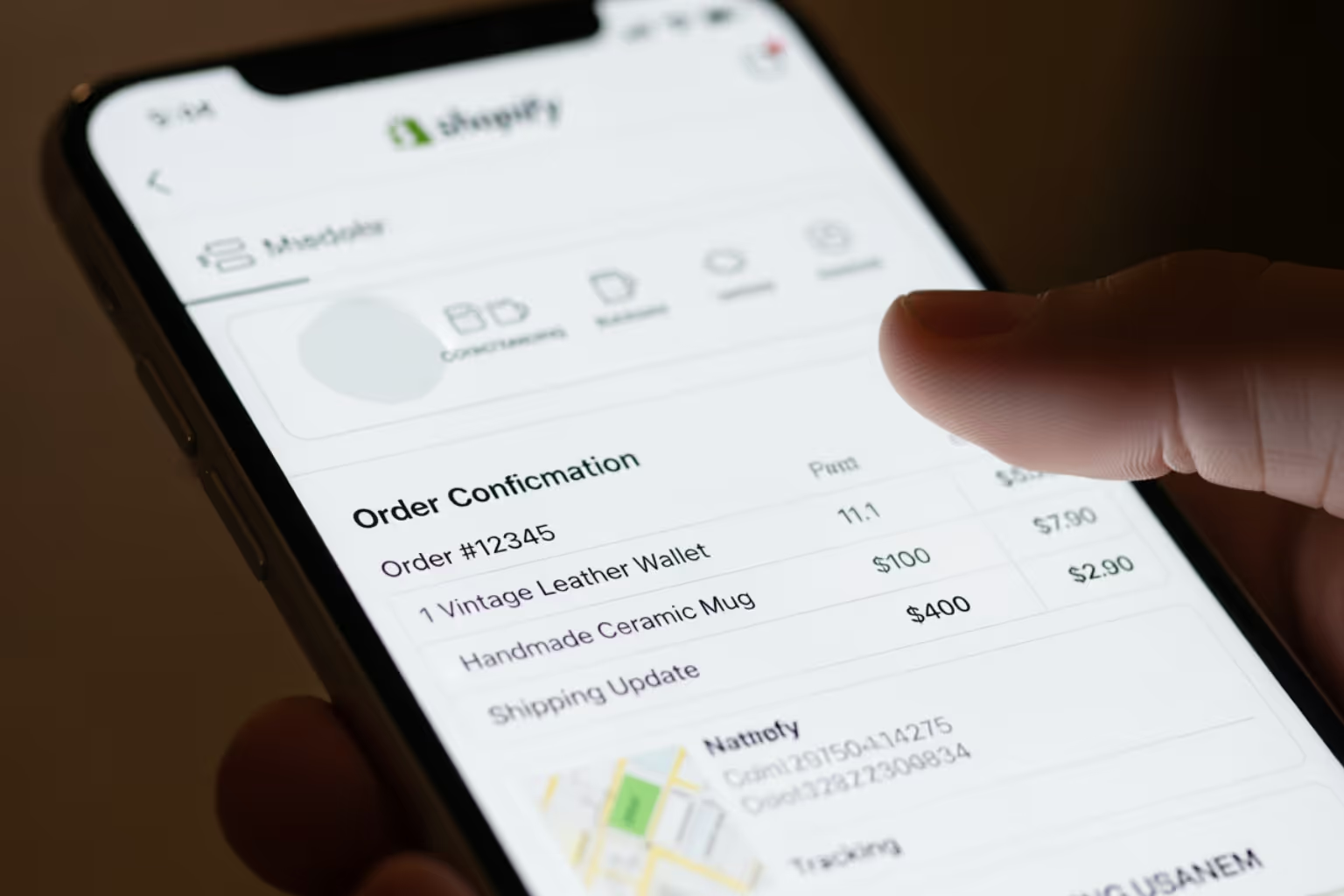
- Shopify transactional emails are automated messages sent to customers after specific actions, like purchases or account updates.
- These emails have high engagement, with order confirmations achieving open rates often over 70%.
- Merchants can customize these emails in Shopify or use third-party apps for more branding, personalization, and marketing options.
- Adding promotional content requires compliance with anti-spam laws such as CAN-SPAM and GDPR.
- Well-designed transactional emails can improve customer experience, build trust, and lead to repeat purchases.
Why Shopify Transactional Emails Matter for Your Business
Shopify transactional emails are automated messages triggered by specific customer actions on your store. Here's what you need to know:
- Definition: Automated emails sent in response to customer actions like placing an order, resetting a password, or requesting account information.
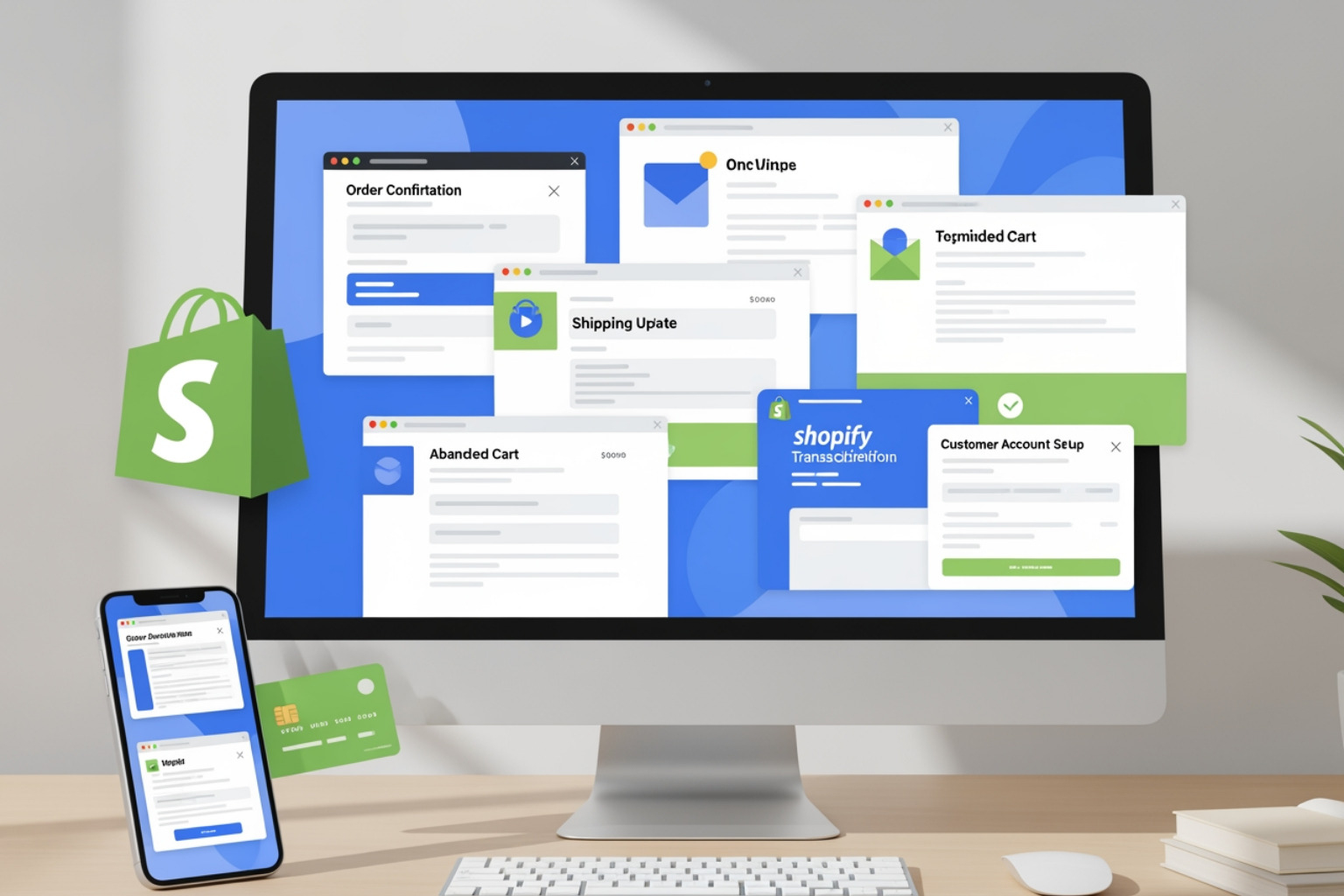
- Types: Order confirmations, shipping updates, password resets, refund notifications, and abandoned cart reminders.
- Performance: Order confirmation emails achieve a 70.9% open rate—four times higher than typical marketing emails.
- Purpose: Provide essential transaction information while building trust and maintaining your brand presence.
- Customization: Can be edited in Shopify's Settings > Notifications or improved with third-party apps for advanced features.
These emails are not just receipts. They are critical touchpoints in your customer journey. When someone places an order, they expect immediate confirmation. When their package ships, they want tracking details. These moments of high attention create opportunities to reinforce your brand, provide value, and set the stage for the next purchase.
Transactional emails consistently achieve open rates between 40-50% and click-through rates above 10%. This engagement far exceeds what most marketing campaigns deliver. Yet many merchants treat these emails as an afterthought, using default templates that do nothing to build their brand or drive repeat business.
The difference between a basic transactional email and an effective one comes down to intention. A basic email delivers the required information. An effective email does that and strengthens the customer relationship. It reflects your brand voice. It anticipates questions. It makes the next step clear. It turns a functional message into a valuable part of the customer experience.
I'm Steve Pogson, founder of First Pier, and over the past two decades, I've helped businesses turn their Shopify transactional emails from generic notifications into strategic assets that drive customer retention and repeat purchases. The stores that get this right see measurable improvements in customer satisfaction and lifetime value.
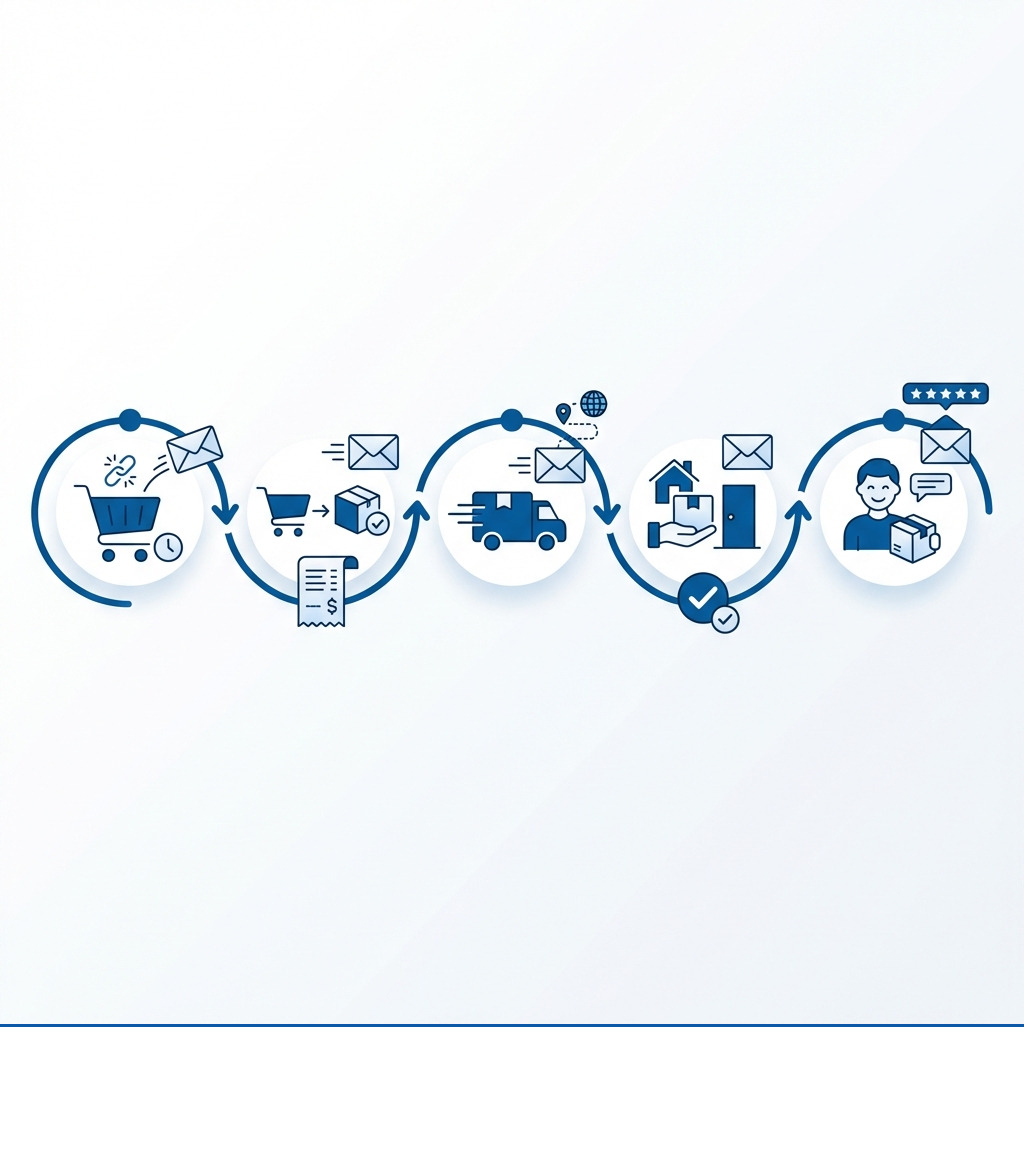
Shopify transactional emails terms to remember:
The Core Types of Shopify Transactional Emails
Shopify transactional emails are more than just an administrative necessity; they are fundamental to customer reassurance and building trust. By providing timely and accurate information, these messages reduce customer anxiety and prevent many common support inquiries. When customers feel informed and valued, they are more likely to return. This is a core part of our approach here at First Pier in providing effective e-commerce services.
Order and Shipping Notifications
These are arguably the most anticipated Shopify transactional emails a customer receives. They confirm a purchase and keep the customer informed about their delivery.
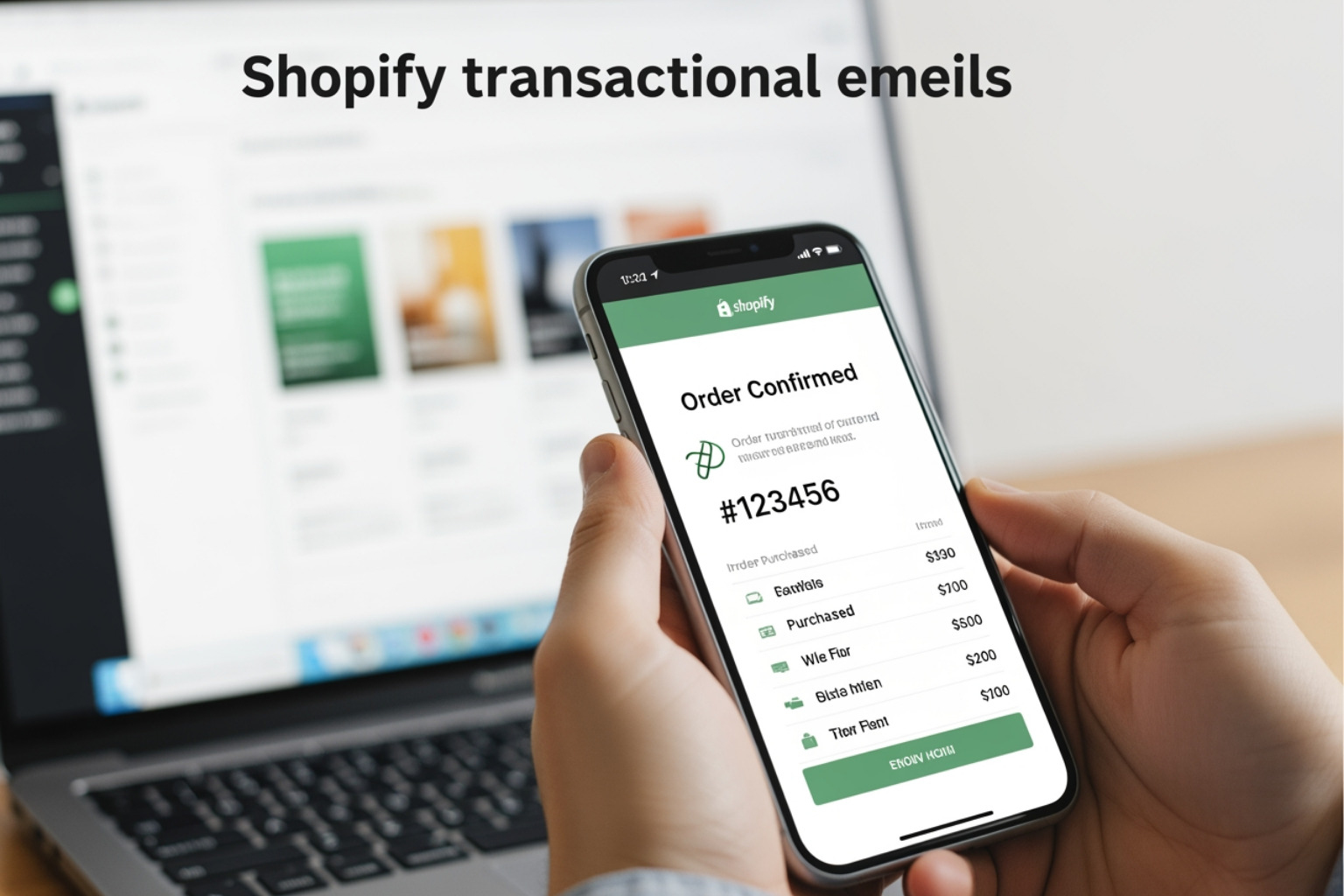
- Order Confirmation: Sent immediately after a purchase. This email is the customer's first tangible proof that their order went through. It must include:
- A clear order number.
- A detailed list of items purchased (with images, if possible).
- Payment summary and method.
- Shipping address and chosen shipping method.
- A confirmation from Burst, for example, clearly lists purchased items, shipping and billing addresses, and a confirmation number.
- Shipping Confirmation: Once the order ships, this email provides crucial updates. It should contain:
- A tracking number and a direct link to track the package.
- The estimated delivery date.
- Information about the carrier.
- A well-designed shipping confirmation, like one from Paddywax, includes essential information, visual confirmation of items, and a prominent tracking button.
- Shipping Update: For longer delivery times or complex logistics, these emails keep customers informed about transit milestones.
- Out for Delivery: This notification alerts the customer that their package is on its way for final delivery. Postable, an online card business, sends clear "out for delivery" emails, stating the mailing date, expected arrival, order number, and item purchased.
- Delivery Confirmation: Notifies the customer that their package has been delivered. This is also important for addressing potential issues like theft or delivery to the wrong address. It should include clear calls to your customer service channels.
Customer Account and Support Notifications
Beyond purchases, other customer actions trigger important Shopify transactional emails that build trust and provide necessary support.
- Account Creation Welcome: When a customer registers for an account, this email welcomes them, provides login details, and might offer next steps like setting up their profile or browsing products.
- Password Reset: A critical security email, it provides instructions for customers to regain access to their accounts. Speed and clarity are paramount here.
- Order Canceled: If an order is canceled, this email provides the reason for cancellation and outlines any refund status.
- Refund Notification: Confirms a refund has been processed, detailing the amount and expected processing time. Peak Design's return email is a great example, making it easy for customers to access return labels and clarifying what to expect for store credit or cash refunds.
- Contact Customer: These are replies to customer inquiries, often triggered by a customer service interaction. They can provide updates on support tickets or answers to specific questions.
Post-Purchase Engagement and Recovery
Shopify transactional emails also serve a vital role in recovering potentially lost sales and fostering ongoing customer relationships.
- Abandoned Checkout: With the average rate of shopping cart abandonment at a staggering 78%, these emails are crucial. They remind customers about items left in their cart and encourage them to complete the purchase. A well-crafted email & SMS marketing strategy can significantly reduce this number.
- Customer Feedback Request: After a customer receives and uses a product, this email asks for a review or feedback. Reviews can result in an 18% increase in sales, and 44% of consumers prefer products with reviews within the past month. A simple survey, like those used by Death Wish Coffee, can gather useful feedback to inform future sales.
How to Customize Your Shopify Transactional Emails
Customizing your Shopify transactional emails goes beyond simply adding your logo. It's about ensuring every message reflects your brand's personality, maintains consistency, and contributes to a positive customer experience. Here at First Pier, we know that strong branding and identity are key to standing out.
Using Shopify's Native Editor
Shopify provides built-in tools to manage and modify your transactional email templates.
- Accessing Templates: You can find these templates by navigating to
Settings>Notificationsin your Shopify admin. Here, you'll see a list of all automated notifications. - Basic Customization: Shopify allows you to add your logo and change the accent color directly within the notification settings. This is a quick way to apply basic branding.
- Editing Code: For deeper customization, you can edit the HTML/CSS of each template. This allows you to:
- Adjust layout and styling to match your website.
- Insert Liquid variables to dynamically pull customer and order information (e.g.,
{{ customer.first_name }},{{ order.total_price }},{{ line_item.product.title }}). - Add custom messages or sections.
- Editing code requires some technical expertise. Unintended changes can break the email's functionality or appearance.
Adding Sales-Driving Elements to your shopify transactional emails
This is where your Shopify transactional emails become effective sales tools, not just informational messages.
- Upselling and Cross-selling: Given their high open rates, transactional emails are prime real estate for product recommendations.
- In an order confirmation, you might suggest complementary products ("Customers who bought this also bought...").
- For a shipping confirmation, you could recommend items for a future purchase, perhaps with a small discount.
- An order confirmation from Udemy, for example, might upsell related courses.
- Discount Codes for Future Purchases: A simple "Thank you for your order! Enjoy 15% off your next purchase" can significantly encourage repeat business.
- Social Proof: Feature customer reviews or testimonials related to the purchased product. This builds confidence and encourages engagement.
- User-Generated Content: Ask customers to share photos of their new product on social media using a specific hashtag.
- Referral Programs: Include information about your referral program, offering incentives for customers to share their positive experience. Tradesy uses shipping confirmation emails to promote its referral program.
- Loyalty Program Information: Use these emails to highlight the benefits of your loyalty program or encourage sign-ups.
At First Pier, we specialize in Shopify development, and we often help clients integrate these advanced elements directly into their email templates or through specialized apps.
Best Practices for Effective Transactional Emails
Creating effective Shopify transactional emails means balancing essential information with branding and subtle marketing. These principles ensure your emails are well-received and contribute to your business goals.
- Clarity First: The primary purpose of a transactional email is to convey information. Ensure the most important details (order number, tracking link, product list) are immediately visible. Don't make customers hunt for what they need.
- For example, an order confirmation should clearly display the order number and estimated delivery date at the top, followed by a full breakdown of items with images, SKUs, sizes, and prices.
- Mobile-First Design: A significant percentage of emails are opened on mobile devices. Your Shopify transactional emails must be responsive and easy to read on small screens. Use single-column layouts, large fonts, and clear buttons. Warby Parker's order confirmation emails are a great example, maintaining consistent branding and a clean layout that mirrors their web experience.
- Personalization: Beyond just using the customer's name, personalize the content based on their order history or browsing behavior. This makes the email feel more relevant and valued. Advanced personalization can come from integrating with your CRM and using outside data.
- Clear Call-to-Action (CTA): While transactional emails are not primarily promotional, they can include subtle, helpful CTAs. Examples include:
- "Track Your Order"
- "View Your Account"
- "Leave a Review"
- "Contact Customer Service"
- Showcase Brand Personality: Shopify transactional emails aren't known for their innovative design, but that gives you an opportunity to stand out. Inject your brand's voice and visual identity into the email. Use your brand's colors, fonts, and tone of voice. Allbirds keeps its order confirmation emails light and on-brand, making them memorable.
- Provide Educational Content: Where relevant and compliant (more on compliance next), you can include educational content that adds value. For instance, Harry's includes educational content about product usage in its delivery confirmation emails, which helps customers use their purchase correctly.
- Timeliness: Send transactional emails immediately after the triggering action. Delays can cause customer anxiety and increase support inquiries.
- Anticipate Questions: Proactively address common questions within the email itself, perhaps with a link to an FAQ page. This reduces the likelihood of customers needing to contact support.
- A/B Test and Monitor: Continuously test different subject lines, CTAs, and content variations to see what performs best. Monitor open rates, click-through rates, and customer feedback to improve your emails.
I believe a well-thought-out e-commerce UX design extends to every customer touchpoint, including these emails.
Transactional vs. Marketing Emails: Compliance and Strategy
Understanding the distinction between transactional and marketing emails is crucial, not just for strategy but also for legal compliance. Mislabeling an email can lead to penalties and damage your sender reputation.
Primary Purpose and Audience Consent
The core difference lies in their intent and how you obtain consent:
- Transactional Emails: Their primary purpose is to facilitate a transaction or provide information directly related to a customer's action. They confirm important interactions, like an order, a password reset, or a shipping update.
- Consent: Implied consent is usually sufficient. If a customer places an order, they implicitly agree to receive order-related notifications. In the United States, transactional emails generally do not require an opt-in and are exempt from some CAN-SPAM requirements, provided their content is solely related to the transaction.
- Marketing Emails: These emails aim to promote products, services, or your brand. They might include newsletters, sales announcements, or promotional offers.
- Consent: Explicit opt-in is almost always required. Customers must actively agree to receive marketing communications.
Compliance Rules and Sender Reputation
Compliance with anti-spam laws is non-negotiable. Major regulations include:
- CAN-SPAM Act (US): Requires accurate header information, a clear subject line, a physical postal address, and a clear and conspicuous unsubscribe mechanism. For transactional emails, if they contain any promotional content, they are treated as marketing emails and must comply with all CAN-SPAM rules, including offering an unsubscribe option.
- GDPR (EU): Requires explicit consent for marketing emails and places strict rules on data privacy. Transactional emails fall under "legitimate interest" if purely informational, but any marketing additions require consent.
- CASL (Canada): Similar to GDPR, requiring consent for commercial electronic messages.
New Email Authentication Requirements: As of February 2024, Gmail and Yahoo have implemented stricter requirements for bulk email senders (those sending over 5,000 messages to Gmail addresses in one day). Even if you're not a bulk sender, adhering to these rules is a best practice for all email marketers to avoid emails landing in spam folders and to protect your sender reputation.
- Authenticate Your Email: You must authenticate your emails using DKIM, SPF, and DMARC.
- DKIM (DomainKeys Identified Mail): Detects forged sender addresses and verifies message content integrity.
- SPF (Sender Policy Framework): Verifies that the sending email server is authorized to send email on behalf of your domain.
- DMARC (Domain-based Message Authentication, Reporting and Conformance): Provides safeguards against email spoofing and unauthorized domain use. Here at First Pier, we can help you set up and manage your DMARC policies.
- Easy Unsubscription: Provide a one-click unsubscribe option that is processed within two days. Even purely transactional emails are increasingly encouraged to have this.
- Keep Spam Complaints Low: Aim for a spam complaint rate below 0.3%. Monitoring tools like Google Postmaster Tools can help.
- Branded Sending Domain: Avoid using generic "from" addresses like
@gmail.comor@yahoo.com. Use a branded sending domain that aligns with your store's domain. If you don't, Shopify may automatically change your sender address tostore@shopifyemail.com, which can impact trust and open rates.
Managing these compliance issues is a key part of our work in Shopify accessibility & data compliance.
Tools and Apps to Improve Shopify Transactional Email Capabilities
While Shopify's native email editor provides basic customization, many businesses use more capable tools to improve their Shopify transactional emails. These tools offer advanced features for design, automation, personalization, and analytics.
Third-Party Email Service Providers (ESPs)
Integrating a capable ESP with your Shopify store can significantly change your transactional email approach. These platforms offer greater control and functionality:
- Klaviyo: Widely regarded in e-commerce, Klaviyo offers detailed segmentation, A/B testing, and extensive automation flows for both marketing and transactional emails. It allows for specific personalization based on customer behavior.
- Mailchimp: A popular choice for its user-friendly interface, Mailchimp provides tools for email design, automation, and audience management. It integrates well with Shopify for various email types.
- Omnisend: Designed specifically for e-commerce, Omnisend combines email, SMS, and push notifications into a single platform. It offers pre-built automation workflows, including those for abandoned carts and post-purchase follow-ups.
These ESPs typically offer drag-and-drop editors, pre-made templates, and advanced analytics to track the performance of your Shopify transactional emails. They are known for their high delivery rates and reliable service.
Shopify Apps for Improved Transactional Emails
Beyond general ESPs, specialized Shopify apps can add specific functionalities:
- FlowMail: This app integrates directly with Shopify Flow, allowing you to send targeted transactional emails effortlessly through automations. It offers optimized design, customizable content, and SMTP support. FlowMail is praised by users for its direct integration and responsive support, providing a unique angle by tying transactional emails directly into Shopify's automation engine.
- Retainful: While often known for abandoned cart recovery and referral programs, Retainful also offers automation for various transactional emails. It allows for multi-email follow-up series, personalized triggers, and the ability to add upsells and product tips within transactional messages.
- OrderlyEmails: This app specializes in providing a wide range of professionally designed, mobile-responsive templates for all your Shopify transactional emails. It makes it easy to brand your emails and manage them from one place, offering 25 templates businesses can use.
When choosing a tool, consider its integration with Shopify, its customization capabilities, and its ability to support your specific automation and personalization needs. A/B testing through these tools can help you identify which variations of your Shopify transactional emails get the best results.
Frequently Asked Questions about Shopify Transactional Emails
Where do I edit transactional emails in Shopify?
You can find and edit your transactional email templates by navigating to Settings > Notifications in your Shopify admin dashboard. From there, you can select the specific notification you wish to customize. You can make basic branding changes (logo, accent color) or dive into the HTML/CSS code for more detailed modifications.
Can I use a third-party app for my shopify transactional emails?
Yes, while Shopify has built-in capabilities, many merchants use third-party email service providers (ESPs) and Shopify apps for more advanced design options, A/B testing, and more complex automation. This often requires disabling the corresponding default Shopify notification within your Shopify settings to prevent duplicate emails. Tools like Klaviyo, Mailchimp, Omnisend, FlowMail, and Retainful are popular choices for this.
How do I add a tracking number to a shipping confirmation email?
The tracking number is automatically included if you add it to the order fulfillment details in Shopify. When customizing your shipping confirmation email template, the {{ fulfillment.tracking_number }} Liquid variable will automatically populate this information. Ensure your fulfillment process includes entering this detail correctly in Shopify.
Conclusion: Turn Every Notification into an Opportunity
Shopify transactional emails are far more than mere digital receipts. They are high-engagement touchpoints that play a critical role in building customer trust, reinforcing your brand, and driving repeat business. By consistently achieving open rates upwards of 40-50%, these emails offer a unique opportunity to connect with customers at moments when their attention is highest.
By customizing these essential communications, integrating sales-driving elements like upsells and cross-sells, and adhering to best practices for clarity and mobile design, you turn a necessary administrative function into a strategic asset. Compliance with anti-spam laws and using robust authentication methods ensures your messages reach their intended recipients, maintaining your sender reputation and fostering long-term customer relationships.
Here at First Pier, we help businesses build custom email strategies that align with their brand and sales goals. We understand that every notification is an opportunity to strengthen customer loyalty and contribute to your bottom line.





.png)
.png)

